Adding a Municipality
This guide is for system operators and developers onboarding a new Dutch municipality to RONL Business API. Three things need to be configured: the tenant configuration file, Keycloak users and groups, and (optionally) municipality-specific feature flags.
1. Add the tenant configuration
Edit packages/frontend/public/tenants.json and add an entry for the new municipality. Use the following structure:
{
  "tenants": {
    "newtown": {
      "id": "newtown",
      "name": "newtown",
      "displayName": "Gemeente Nieuwstad",
      "municipalityCode": "0999",
      "theme": {
        "primary": "#2E4057",
        "primaryDark": "#1A2A3A",
        "primaryLight": "#6B8CAD",
        "secondary": "#F4A261",
        "accent": "#E76F51"
      },
      "features": {
        "zorgtoeslag": true,
        "kinderbijslag": false,
        "huurtoeslag": false,
        "processes": ["zorgtoeslag"]
      },
      "contact": {
        "phone": "14 0999",
        "email": "info@nieuwstad.nl",
        "address": "Stadhuis 1",
        "postalCode": "1234 AB",
        "city": "Nieuwstad"
      },
      "enabled": true
    }
  }
}
The id value must match the municipality claim that Keycloak will issue in the JWT for users of this municipality (see step 2 below).
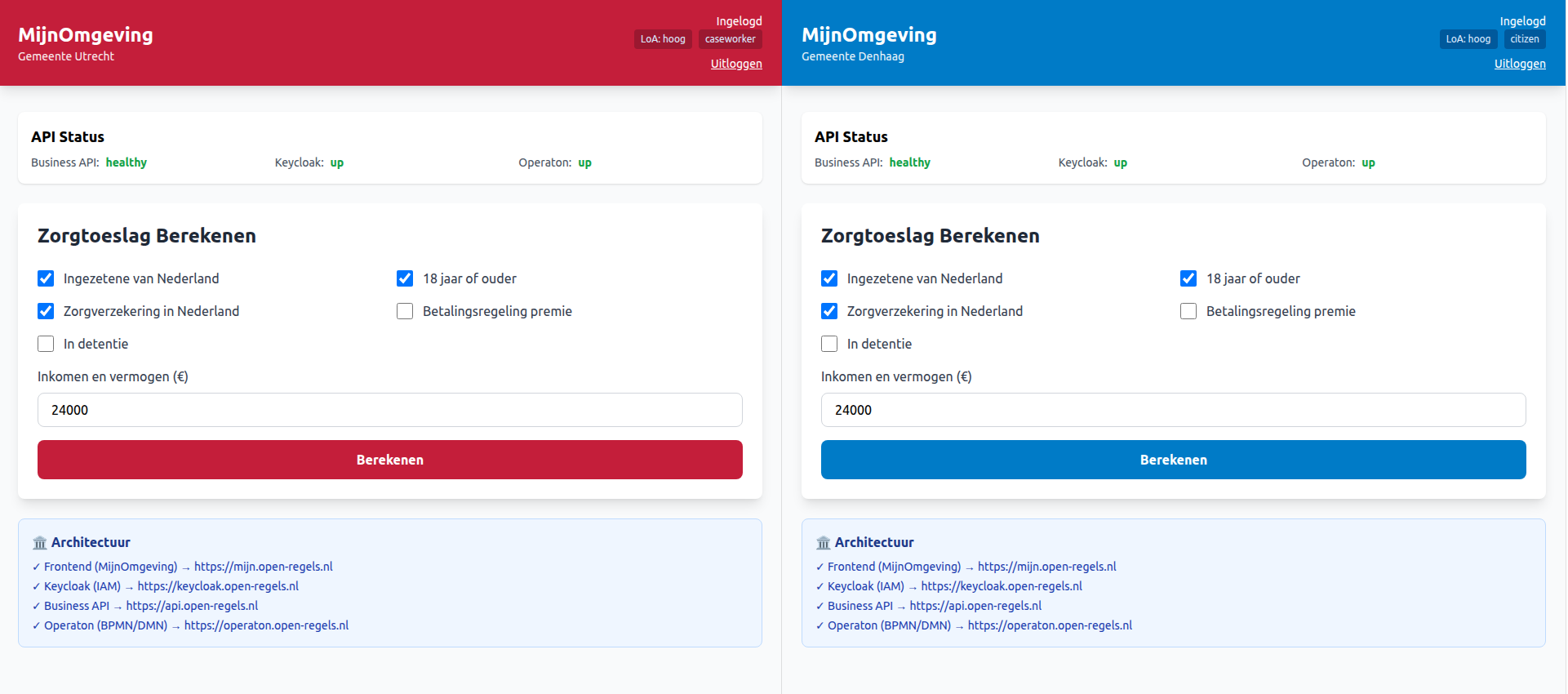
Theme colours follow the municipality's visual identity. The primary colour is applied to buttons, headers, and active navigation items. Use sufficient contrast against white text (WCAG AA minimum).
2. Configure Keycloak
Open the Keycloak Admin Console (ACC: https://acc.keycloak.open-regels.nl/admin, PROD: https://keycloak.open-regels.nl/admin), realm ronl.
Create roles:
Under Realm roles, add:
- citizen-newtown
- caseworker-newtown
Or, if using the municipality-prefixed role convention that the JWT middleware already supports, simply add the generic citizen and caseworker roles to new user accounts with an attribute municipality = newtown.
Add the municipality attribute mapper:
The municipality claim in the JWT is populated by a Keycloak protocol mapper on the ronl-business-api client. Verify the mapper named municipality exists under:
The mapper reads the municipality user attribute and injects it into the access token. Set municipality = newtown on each user account belonging to the new municipality.
Create test users:
Under Users, create:
| Username | Attribute | Role |
|---|---|---|
test-citizen-newtown |
municipality = newtown |
citizen |
test-caseworker-newtown |
municipality = newtown |
caseworker |
Set a temporary password and mark it as non-temporary for test accounts.
3. Add backend tenant middleware allowlist
If ENABLE_TENANT_ISOLATION=true in the backend .env, verify that newtown is included in the allowed tenants list in packages/backend/src/middleware/tenant.middleware.ts. If the middleware uses a hard-coded list, add the new municipality ID.
4. Deploy and verify
After making these changes:
- Rebuild and redeploy the frontend (the
tenants.jsonchange requires a new static build) - No backend restart is required if tenant isolation is configured via environment variables
- Log in using
test-citizen-newtown/test123on the portal - Verify the correct municipality theme and display name appear
- Verify that
GET /v1/healthstill returnshealthy