Semantic Analysis
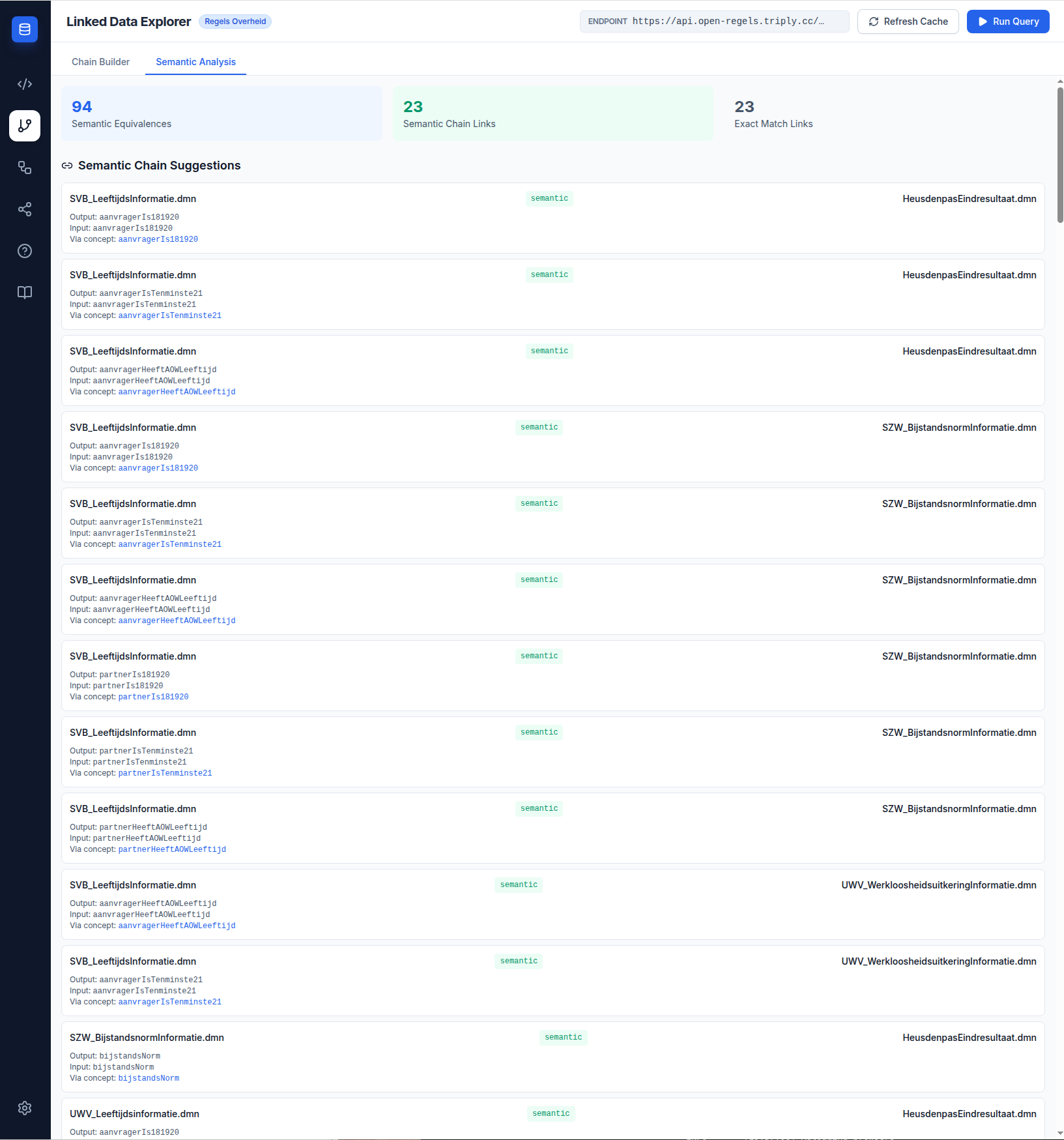
The Semantic Analysis tab in the Chain Builder helps you understand how DMN variables from different government agencies relate to each other through shared SKOS concepts, and why some chains execute sequentially rather than as unified DRDs.
Opening the Semantic Analysis tab
In the Chain Builder, click the Semantic Analysis tab header above the Chain Composer. The tab loads automatically from the active TriplyDB endpoint.
Statistics cards
Three cards at the top of the tab show counts for the current endpoint:
- Semantic Equivalences — the total number of variable pairs from different DMNs that share a concept
- Semantic Chain Links — the number of DMN output → input pairs discoverable via semantic matching but not exact identifier matching
- Exact Match Links — variable pairs that match by identifier (these form the basis of DRD-compatible chains)
Semantic Equivalences table
The table lists every variable pair that shares a skos:exactMatch concept URI. For each pair:
| Column | Content |
|---|---|
| Output DMN | The DMN producing the output variable |
| Output variable | Identifier and label of the output |
| Shared concept | The URI both concepts point to via skos:exactMatch |
| Input variable | Identifier and label of the input |
| Input DMN | The DMN consuming the input variable |
Semantic Chain Suggestions
Below the equivalences table, the suggestions section lists DMN output/input pairs that are connectable via a shared concept but would not appear in the exact-match chain discovery. These are candidate chains for sequential execution.
What this means for chain building
If you see a pair you want to chain in the suggestions, drag those DMNs into the Chain Composer. Because the identifiers differ, the validation panel will show amber (sequential). The chain will still execute correctly — the backend handles the variable renaming automatically.
These chains cannot be saved as DRDs. To create a DRD-compatible version, the CPSV Editor would need to be used to re-publish one of the DMNs with a matching identifier. Contact the publishing agency if alignment is needed.
Graph view
In the SPARQL Query Editor, skos:exactMatch and dct:subject links appear as dashed green edges in the graph view, letting you visually trace the concept chain from an output variable through its concept to the shared URI and back to the input variable of another DMN.